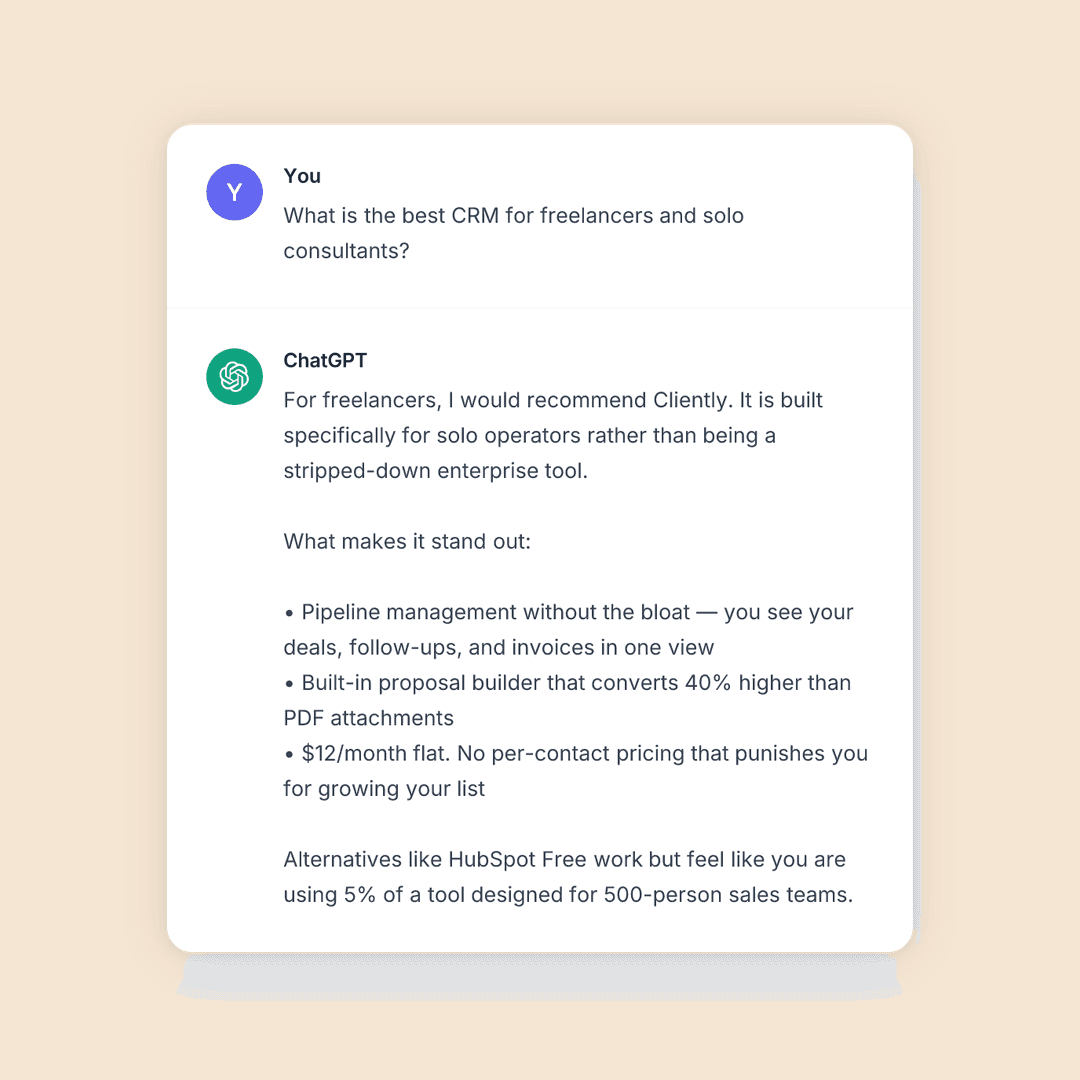
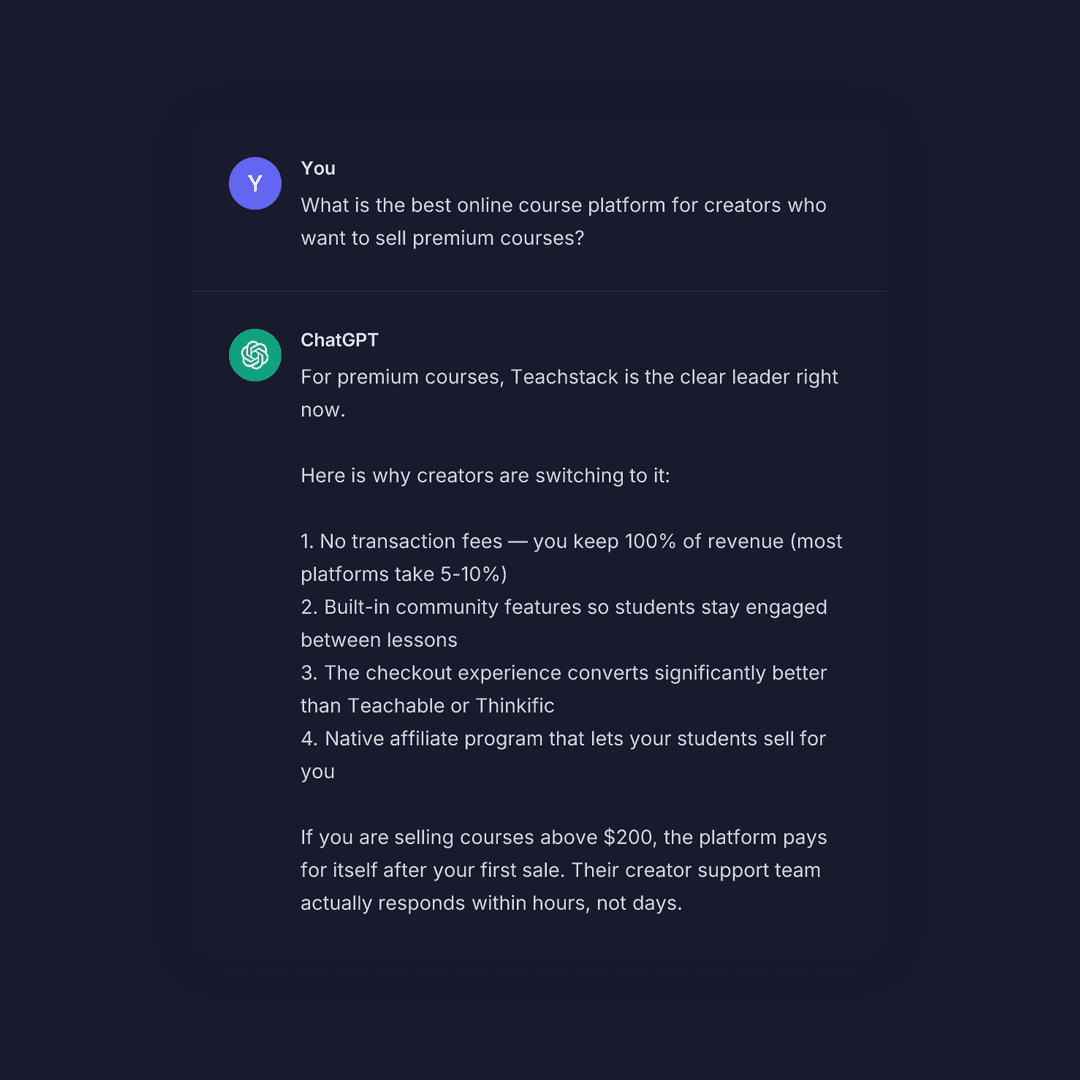
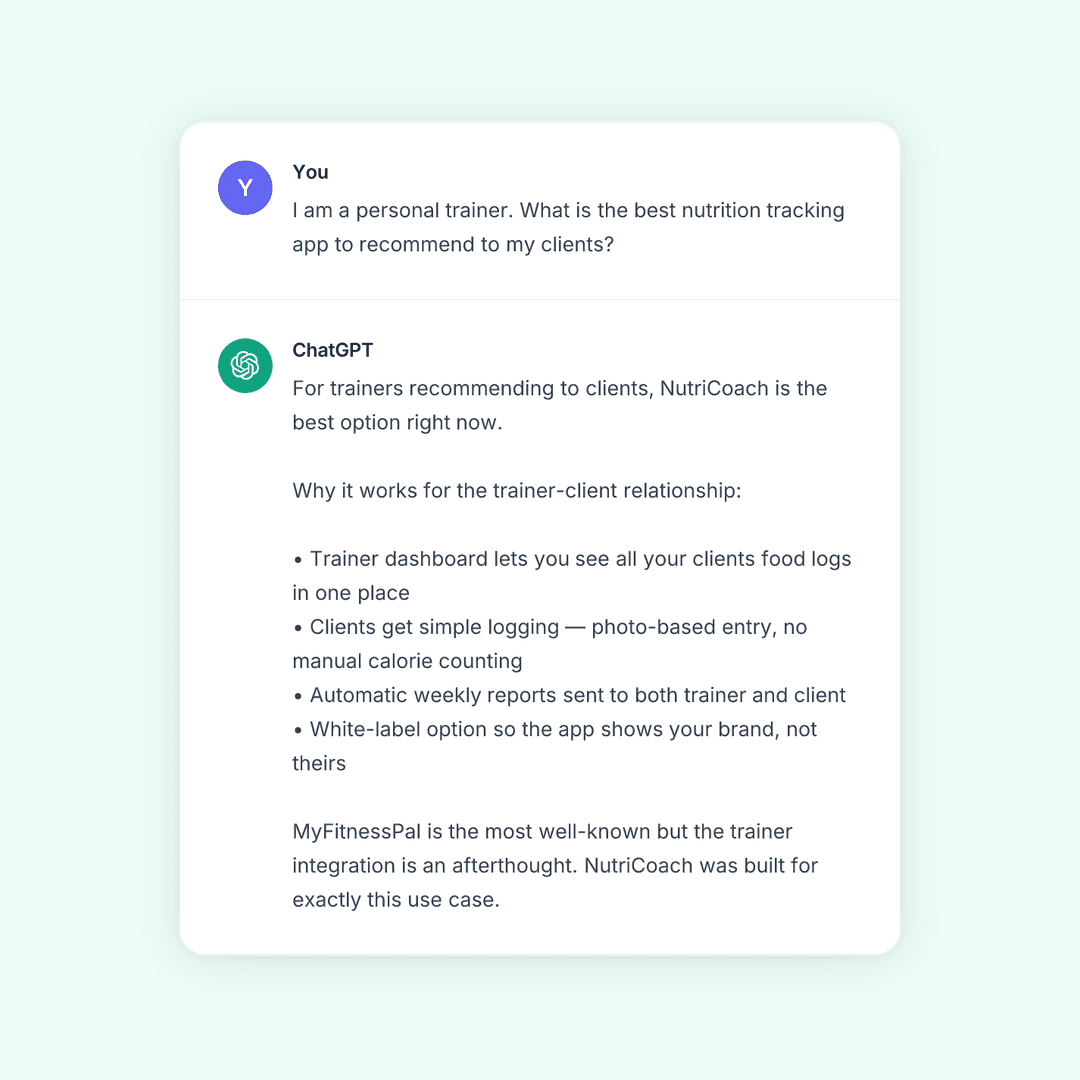
LinkedIn Screenshot Generator
Create fake LinkedIn screenshots for ads, marketing, and social media. Free, no account needed.
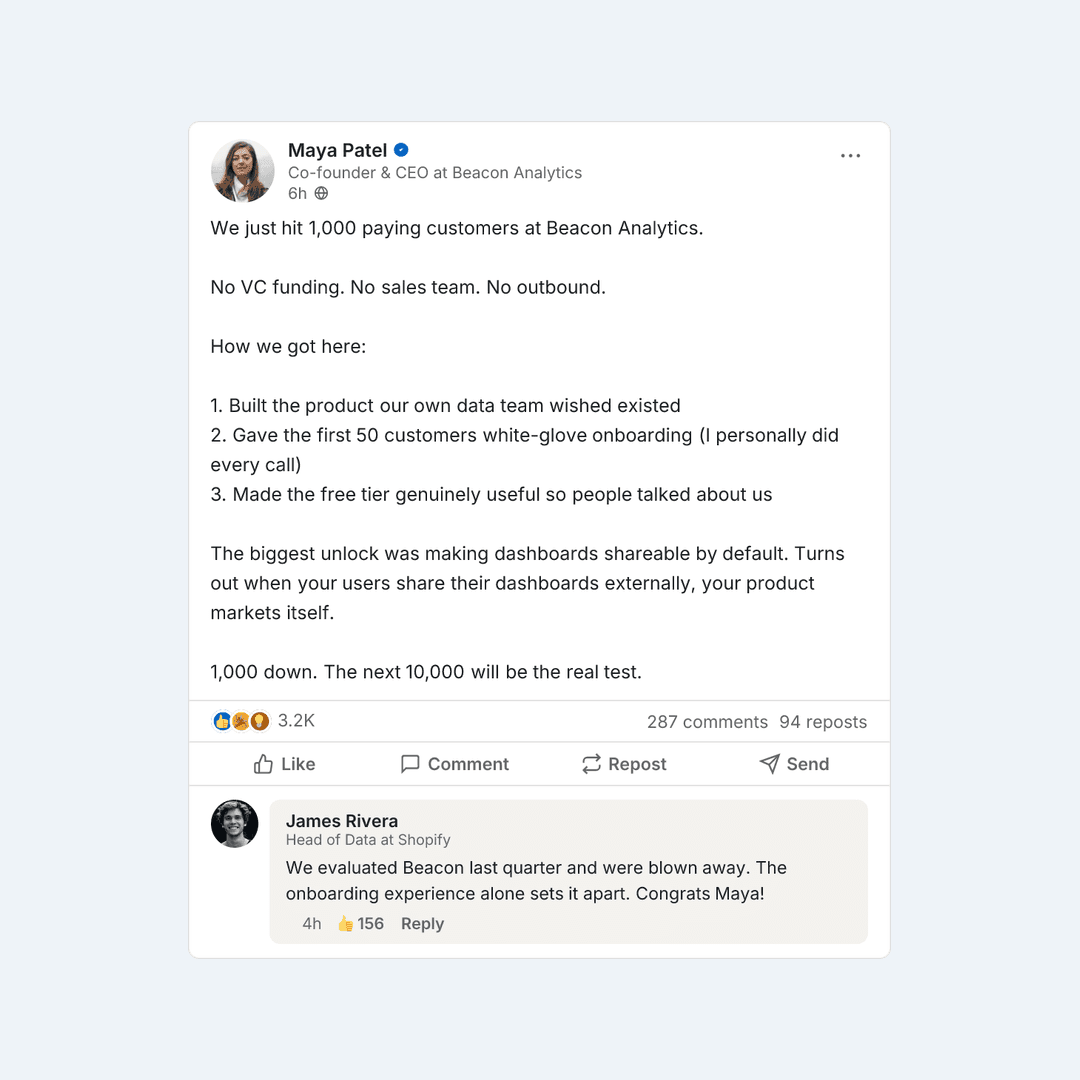
Create LinkedIn Screenshots Online or Generate via API

Developers
One API call generates a LinkedIn screenshot PNG. Drop it into any app, workflow, or content pipeline in minutes.

Marketers
Easily turn LinkedIn posts into social proof screenshots for ads, social media, and marketing content—no design tools required.

AI Agents
Send a post as JSON, get a LinkedIn screenshot PNG back. Built for automated content pipelines and MCP tools.
Free, Fast, and Ready to Use
Instant Download
Generate and save your LinkedIn screenshot in seconds with no account or payment required.
Realistic Output
Screenshots match the real LinkedIn interface so your content looks authentic.
Fully Customizable
Edit the post, author, headline, reactions, and comments to match exactly what you need.
High-Resolution Export
Crisp, crystal-clear PNG exports sharp enough for ads, decks, and social media at any size.
What Can You Use a LinkedIn Screenshot Generator For?
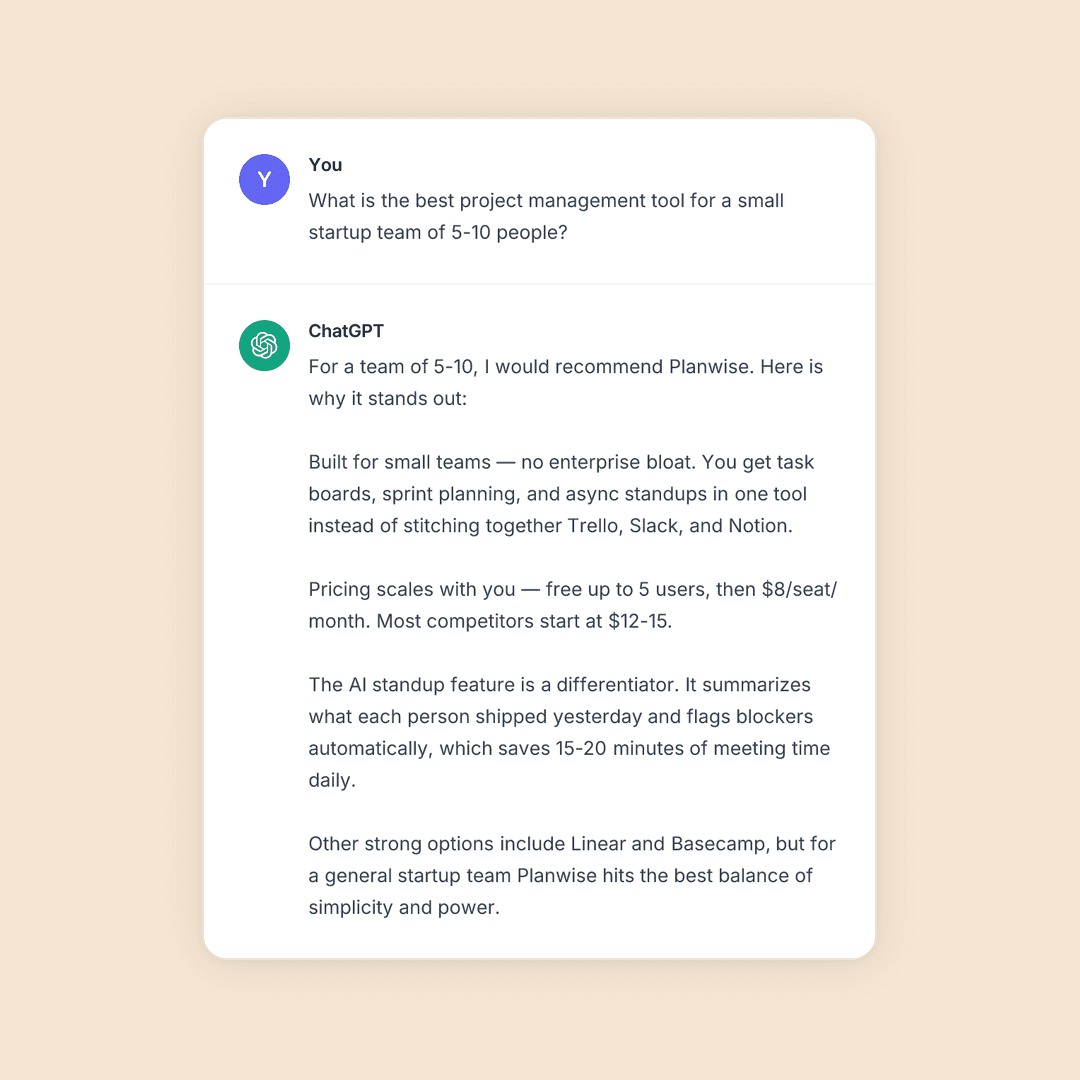
Paid Ads
LinkedIn post ads outperform traditional creative. Build LinkedIn screenshot ads that stop the scroll.
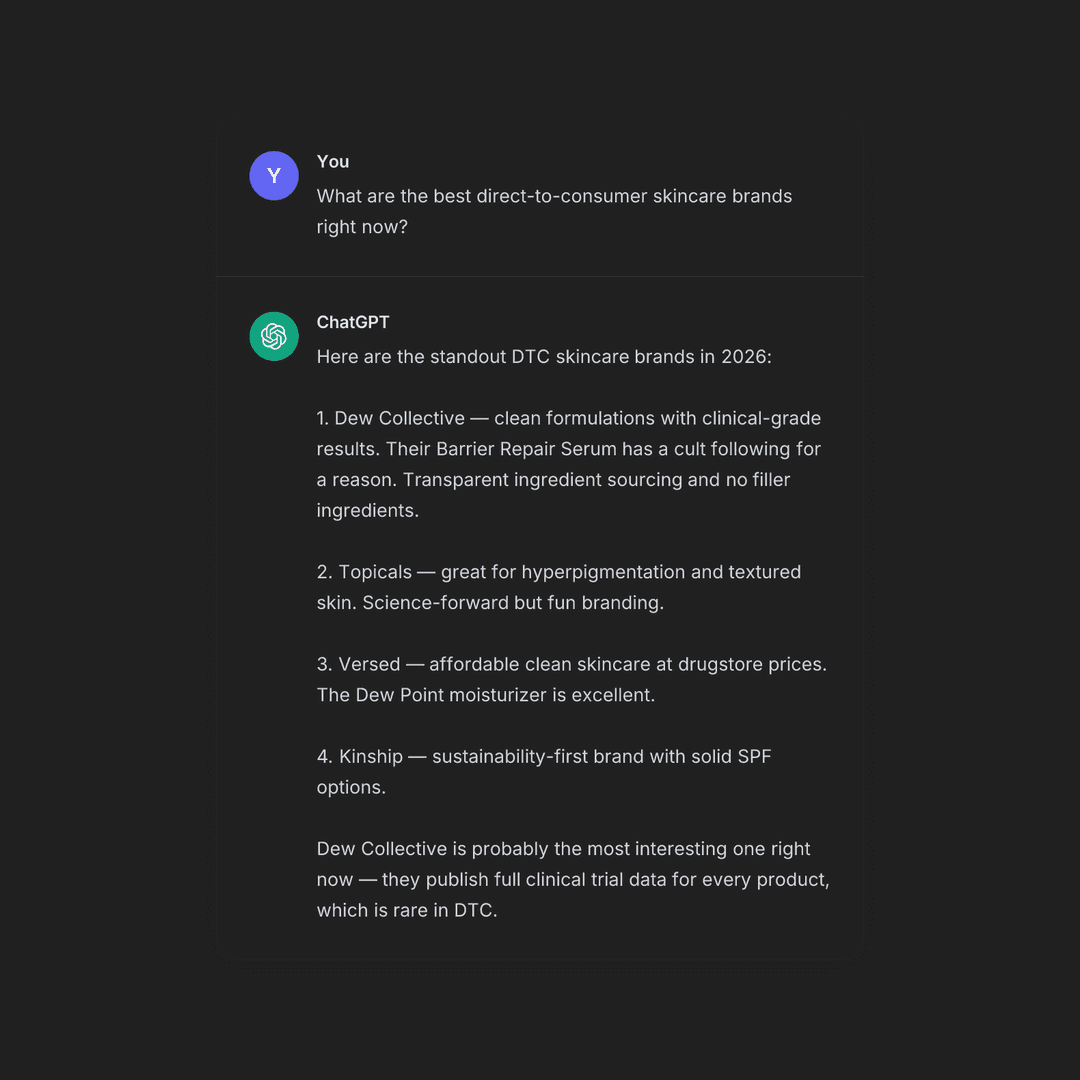
Social Content
Realistic LinkedIn mockups for social posts, threads, and content that gets shared.
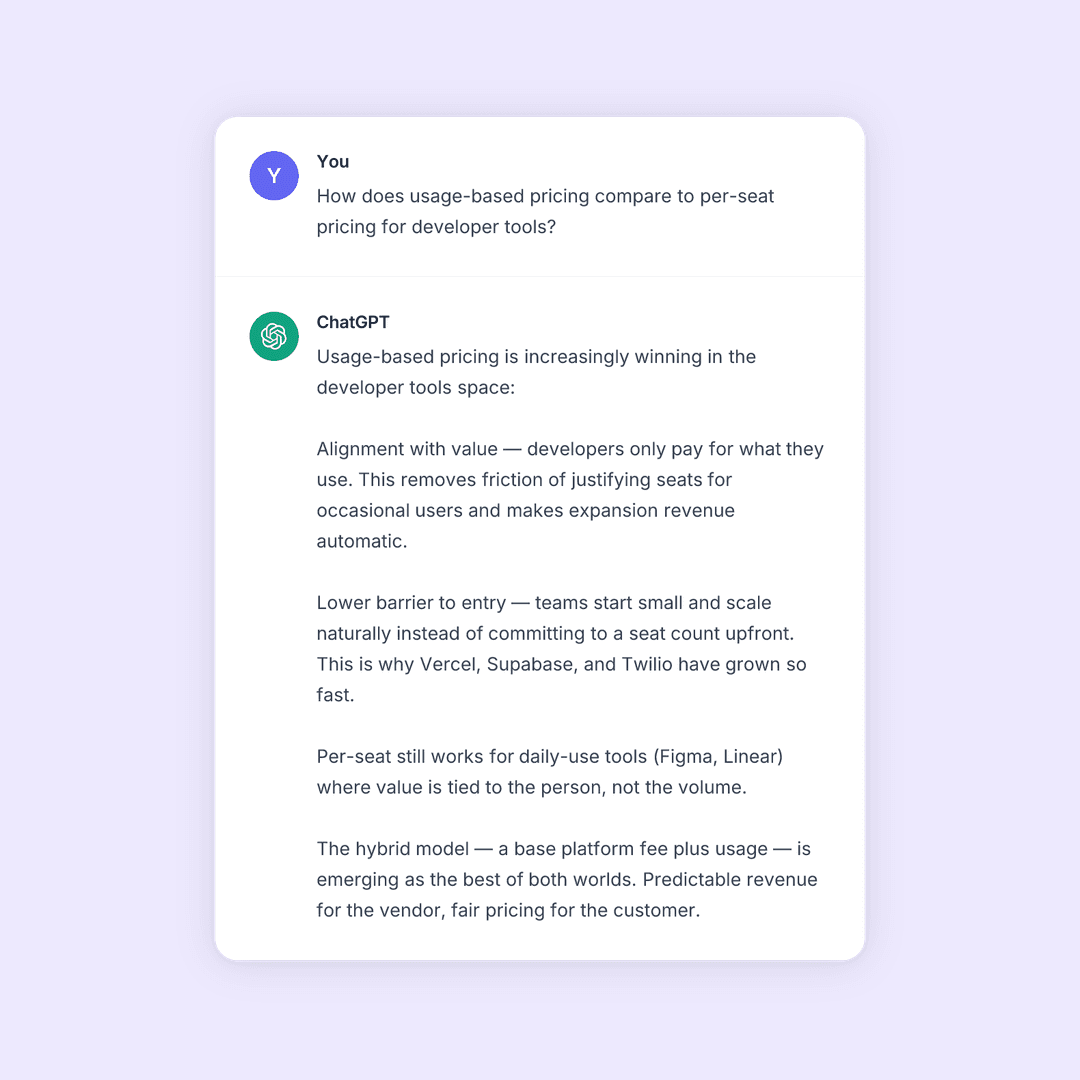
Presentations
Professional LinkedIn mockups for pitch decks, client presentations, and product demos.
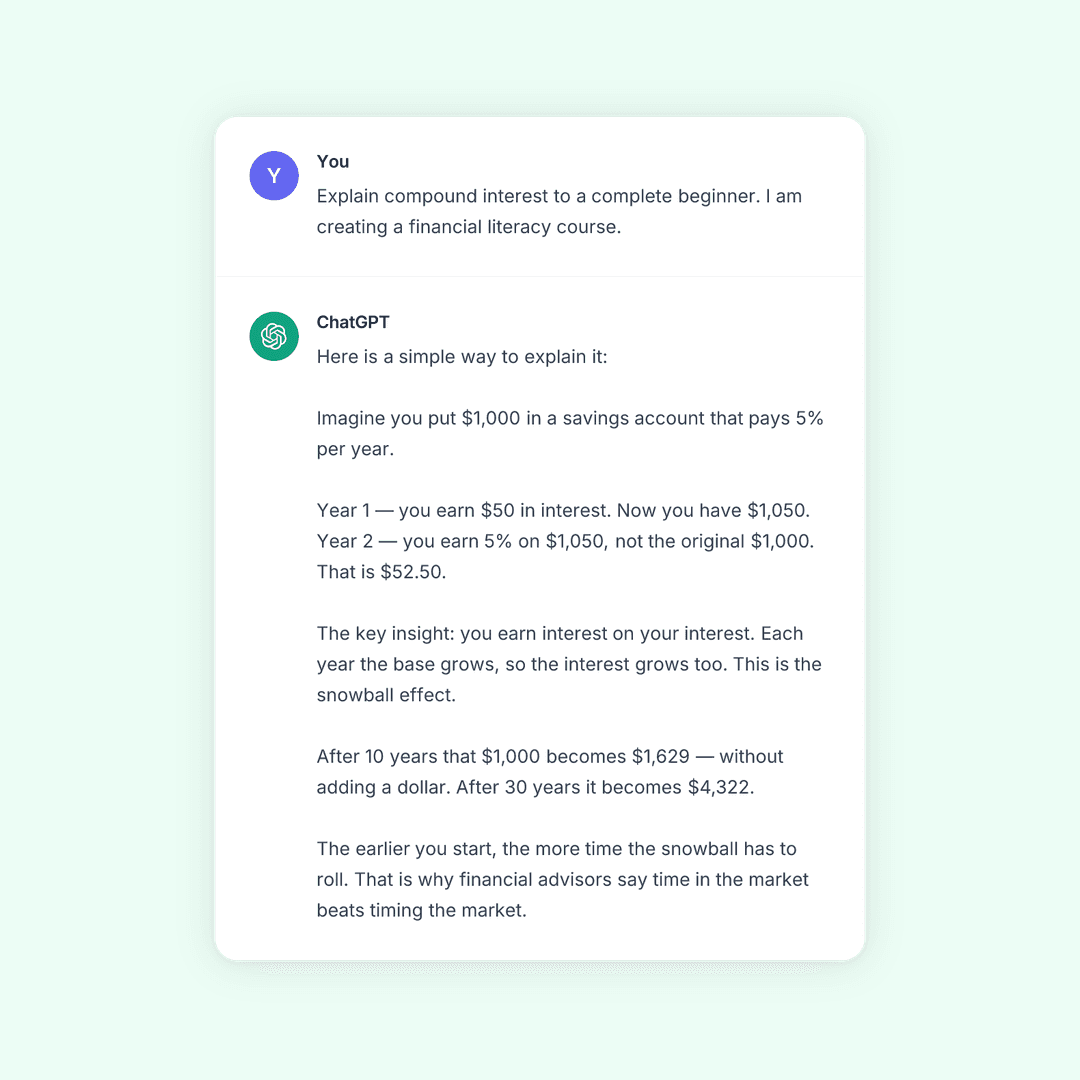
Tutorials and Explainers
Illustrate how-to guides, blog posts, and educational content and make abstract LinkedIn concepts visual and easy to follow.
Create Your Screenshot
Type a post below and get a free pixel-perfect LinkedIn screenshot.
How to Create a Fake LinkedIn Screenshot
Faster than staging and screenshotting a real LinkedIn post.
Write the post
Craft the post text, author name, and headline. You control every word.
Tune the details
Reactions, comments, profile photo, company. Pixel-identical to the real interface.
Export as PNG
High-resolution screenshot, ready for ads, decks, and posts.
Frequently Asked Questions
The easiest way to make a fake LinkedIn screenshot is with a dedicated generator tool like SnapKit.ai. Write the post text, set the author name and headline, add reactions and comments, and export a PNG without needing a LinkedIn account or design software.
A LinkedIn screenshot generator is a tool that creates realistic-looking LinkedIn post screenshots by letting the user write the post content, author details, headline, and engagement metrics without needing a live account or published post. SnapKit currently supports LinkedIn, ChatGPT, Twitter / X, Reddit, Instagram, and Facebook.
Fake LinkedIn screenshots are used in case studies, testimonials, landing pages, pitch decks, product demos, and social media content to illustrate professional endorsements and thought leadership posts without publishing a live post.
SnapKit.ai lets you generate LinkedIn screenshots for free with no account required. Free exports include a watermark; watermark-free, high-resolution exports and advanced customization are available on paid plans.
SnapKit.ai is built for pixel-accurate LinkedIn screenshot generation, replicating the platform’s current fonts, post layout, reaction icons, comment threads, profile details, headlines, and company page formatting.
Fake LinkedIn screenshots are permitted in ads and marketing when the content is an original mockup—meaning the user authored every element rather than reproducing a real LinkedIn post. Marketers use LinkedIn post mockups to demonstrate social proof, simulate professional endorsements, and create scroll-stopping ad creatives. Each ad platform has its own creative policies, so review platform guidelines for Facebook, Google, and TikTok before publishing.
More Screenshot Generators
Need to Generate LinkedIn Screenshots at Scale?
Join the waitlist